> For the complete documentation index, see [llms.txt](https://docs.nfts2me.com/llms.txt). Markdown versions of documentation pages are available by appending `.md` to page URLs; this page is available as [Markdown](https://docs.nfts2me.com/features/flexible-whitelist-with-csv-batch-sending.md).
# Flexible Whitelist with CSV batch sending
Custom and flexible minting for custom people
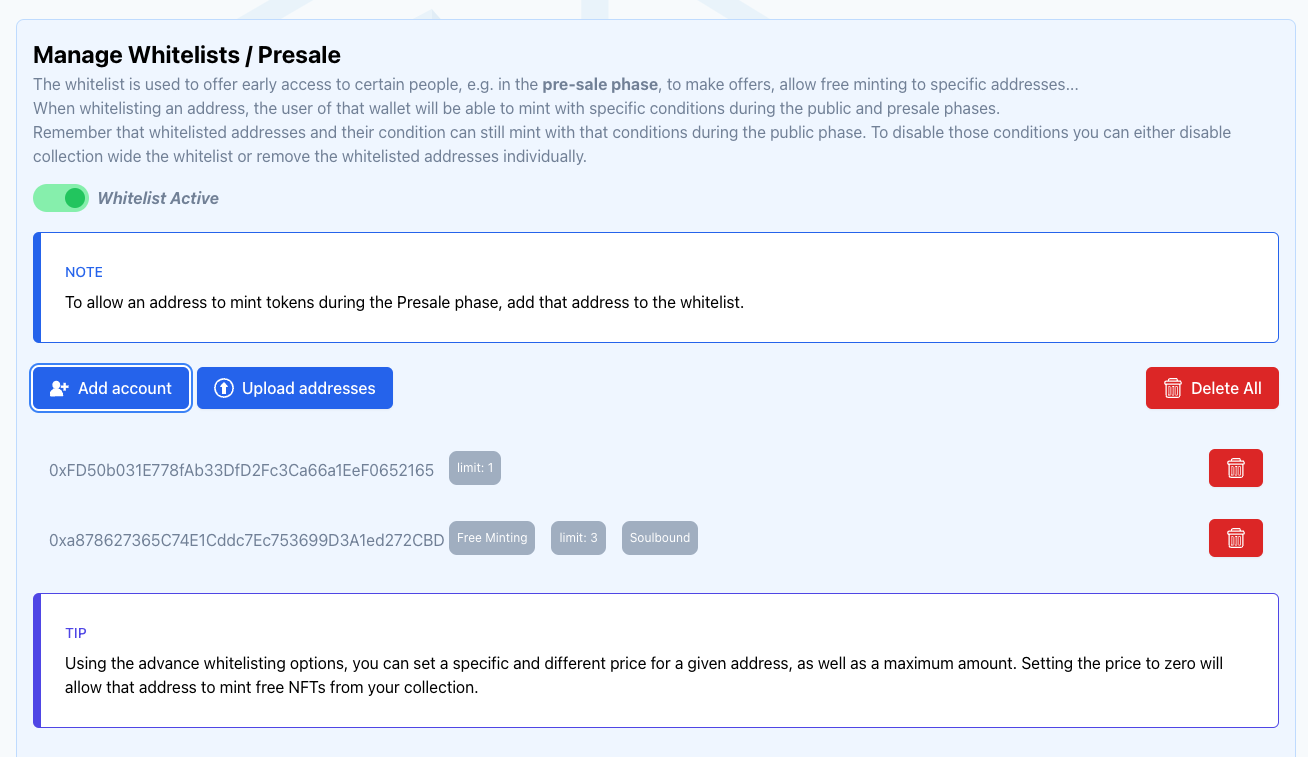
The whitelist is used to offer early access to certain people, e.g. in the pre-sale phase, to make offers, allow free minting to specific addresses...
When whitelisting an address, the user of that wallet will be able to mint with specific conditions during the public and presale phases. Remember that whitelisted addresses and their condition can still mint with that conditions during the public phase. To disable those conditions you can either disable collection wide the whitelist or remove the whitelisted addresses individually.
{% hint style="info" %}
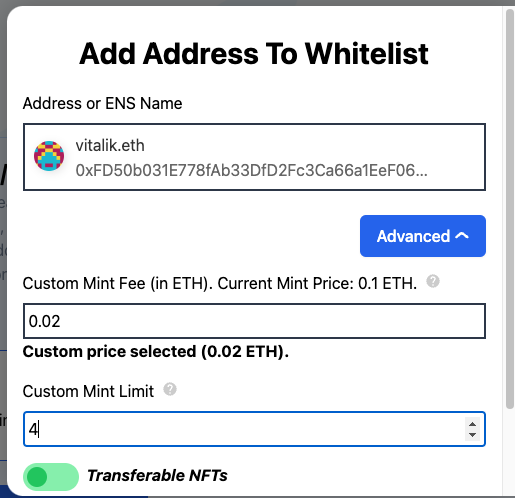
Using the advance whitelisting options, you can set a specific and different price for a given address, as well as a maximum amount. Setting the price to zero will allow that address to mint free NFTs from your collection.
{% endhint %}
Check more at